Shopify automation · 6 min read
Klaviyo flows for Shopify: which automations to build first and how to check them
Klaviyo flows for Shopify should cover the customer moments that matter before they cover every possible automation. A smaller set of accurate, well-timed journeys is easier to manage and usually more useful than a large library of conflicting messages.
Start here
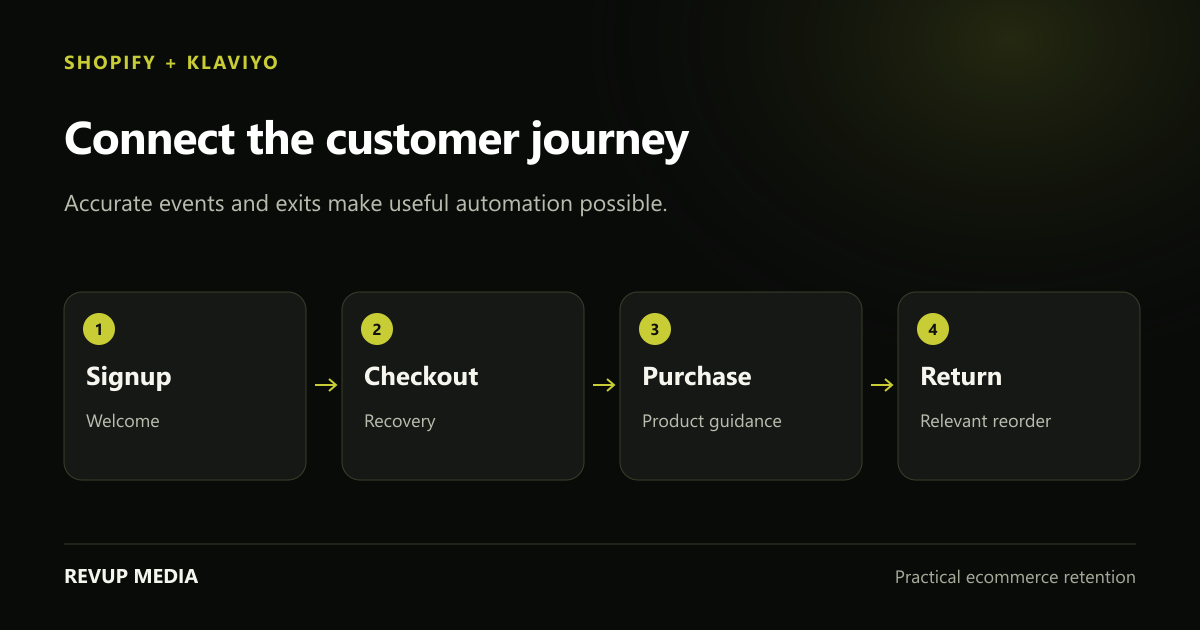
Verify event sync and customer exits first. A flow is ready when it sends the right content to a qualified customer and stops when the message no longer applies.
Confirm the integration before designing a flow
Check that the correct Shopify store is connected and that the events you plan to use appear in Klaviyo. Inspect a few real profiles and event timestamps. A visually complete flow cannot work correctly if the underlying purchase or checkout event is missing or delayed.
Inventory existing messages in Shopify, Klaviyo and any other apps. Note which tool sends order confirmations, shipping updates, cart reminders and subscription messages. Duplicate automations can make the brand seem disorganised, and they can be difficult to diagnose from one account alone.
Review signup routing too. A form should add a qualified subscriber to the intended audience and deliver the promised benefit. Test that path with a new profile. Avoid assuming that a form submission, a profile creation and an email subscription always mean the same thing.
- Verify the store, metric names and event timestamps.
- Record overlapping Shopify and third-party messages.
- Check consent, suppression and signup-list routing before sending.
Build the first four around clear customer decisions
Start by considering welcome, checkout abandonment, post-purchase and winback. Klaviyo identifies these as useful first flows, but your actual priority depends on store volume and the gaps already present. A store with a functioning welcome journey and poor product onboarding may need post-purchase work first.
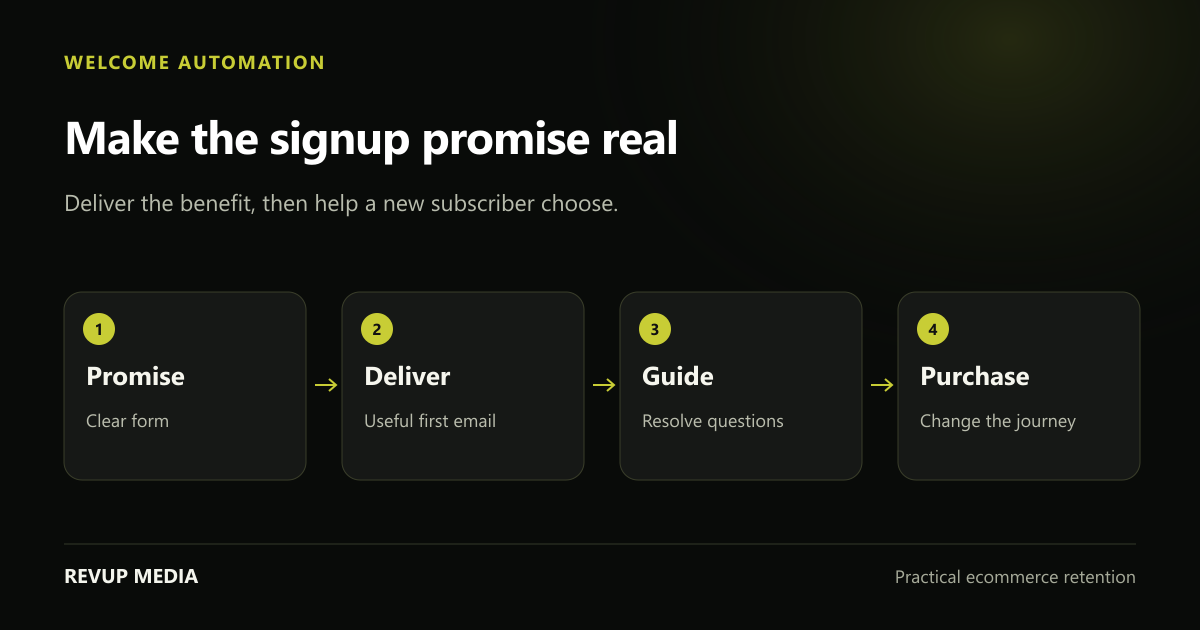
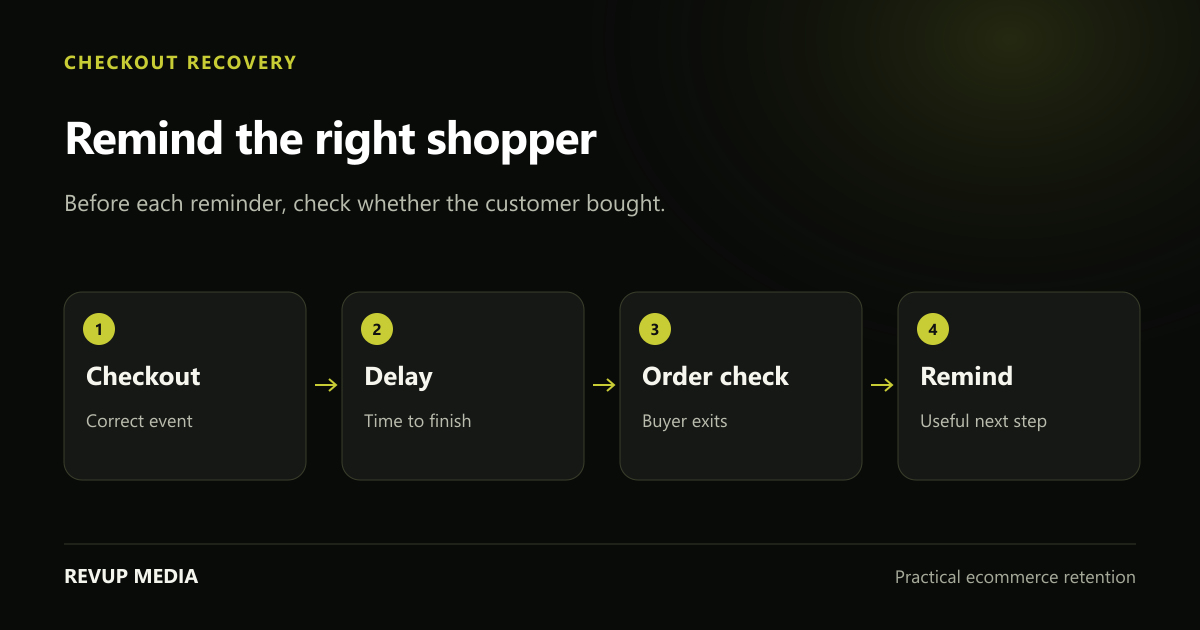
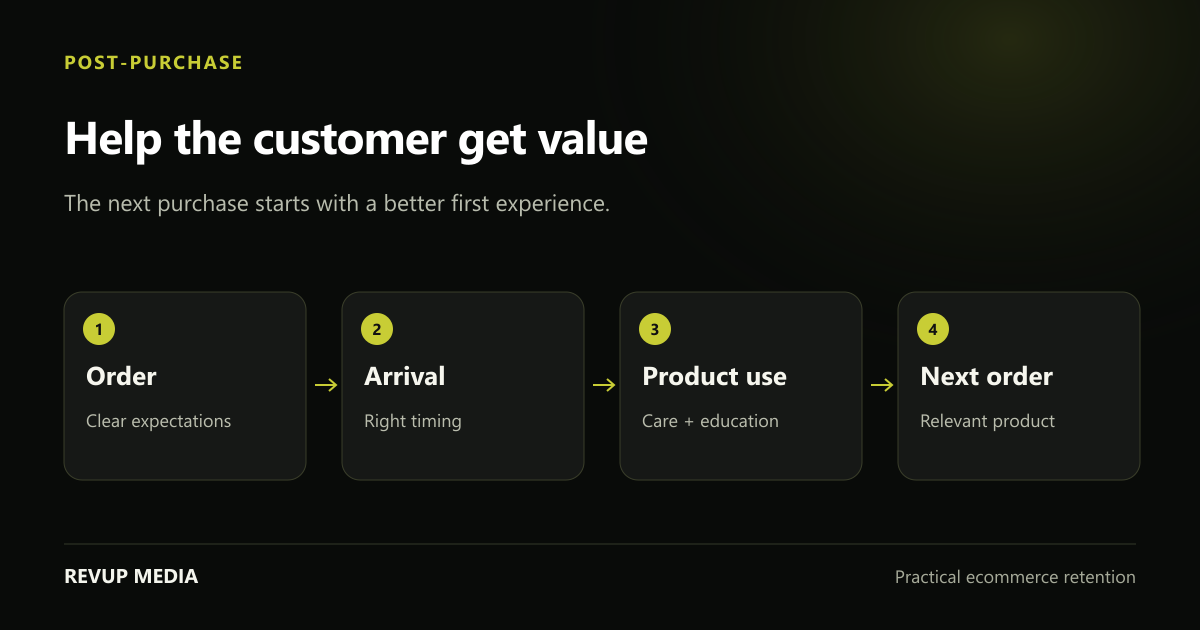
Define the purpose of each journey in ordinary language. Welcome helps a new subscriber understand and choose. Checkout recovery helps someone finish an interrupted purchase. Post-purchase helps a buyer get value. Winback gives a genuinely overdue customer a relevant reason to return.
For each one, agree on the entry event, eligibility, first message, delays and stop condition. That one-page plan prevents a common problem: starting with a design template and adding timing rules only after the content is finished.
| Flow | Common starting trigger | Critical check |
|---|---|---|
| Welcome | Addition to the chosen subscriber list | Signup promise and customer status |
| Checkout abandonment | Started Checkout event | Exit after a qualifying order |
| Post-purchase | Placed Order or a relevant fulfilment event | Content timing relative to delivery |
| Winback | Purchase event followed by a buying-cycle delay | No newer qualifying purchase |
Source and context: Klaviyo: getting started with flows ↗. Klaviyo’s setup guide explains trigger types, profile filters and message status, and identifies welcome, abandoned cart, post-purchase and winback as initial priorities. The planning and QA method here expands on those mechanics for store operations.
Add browse abandonment only when the data and message justify it
Browse abandonment responds to product interest earlier in the journey than checkout recovery. It can help customers remember an item or understand it better, but it should not imply they had a checkout in progress when they did not.
Confirm that available tracking identifies eligible visitors and sends the product information your template needs. Review the conditions under which a profile is known, and test the experience in the context of your store’s consent setup. Do not expect every anonymous visitor to receive a follow-up email.
Prevent browse messages from colliding with stronger intent. If someone later starts checkout or buys, an earlier product reminder may no longer be the right message. Use the appropriate filters and inspect representative profiles. Keep the content focused on the viewed product rather than turning it into a broad promotion.
Treat timing as a customer question, not a copied number
The right delay depends on the product, the event and the next decision. A subscriber waiting for a promised code needs a prompt response. A customer buying a product with a long delivery time may need education later. A replenishment reminder belongs near expected consumption, not on an arbitrary day after order placement.
Use library defaults as a starting point, then compare them with event sync and customer behaviour. Document why each delay exists. If you shorten delays for a seasonal sale, record the restoration date and check whether the change creates extra collisions with campaigns.
Review frequency controls deliberately. A frequency rule may skip a useful flow message after a recent campaign, while turning it off everywhere can overwhelm a subscriber. Preview the combined customer journey and decide where urgency or service relevance actually justifies an exception.
Preview the branches that are easiest to forget
Test new subscribers, returning customers, purchasers after entry, sale products and products with missing data. A dynamic block can render perfectly for one example and fail for a different cart. Check fallback text for missing names and optional profile properties.
Verify that every important link goes where its label suggests. Test discount eligibility in Shopify and confirm any minimum spend or exclusions. Use the actual mobile experience, including the product page and cart, instead of approving only the email editor screenshot.
Before enabling a message, inspect its status and the status of surrounding steps. Use draft or review modes for controlled verification where appropriate. Know who owns the live flow and how to stop a problematic message if a product, integration or offer changes.
- Place a test order after entering recovery and verify subsequent exclusion.
- Preview empty and mixed-product data where your templates support it.
- Test links, codes, fallback text and mobile readability.
- Record the flow owner, objective and last meaningful review date.
Improve one journey with evidence before adding another
Review entry counts, skipped recipients, delivered messages, clicks and orders together. A high skip count can mean the flow is correctly excluding people who purchased; it can also reveal a mistake. Read the skip reason before treating it as a failure.
Compare performance over similar periods and with consistent attribution settings. If a message generates clicks but few purchases, inspect product fit and landing-page friction. If a later step rarely reaches qualified people, reconsider its timing or purpose rather than immediately redesigning it.
Keep a change log. Record the trigger or content change, the hypothesis and the review window. Build the next flow when there is a real customer gap and enough operational capacity to maintain it. Automation should reduce confusion for both the customer and the team.
Common questions
How many Klaviyo flows does a Shopify store need?
There is no fixed number. Cover meaningful lifecycle gaps with journeys you can test and maintain. Welcome, checkout recovery, post-purchase and winback are common starting points.
Do Klaviyo flows replace Shopify transactional notifications?
Not automatically. Inventory what Shopify and other apps already send, then assign ownership deliberately. Marketing journeys and essential order notifications serve different purposes.
Need a plan for your store?
Turn the next useful idea into action.
We review your campaigns, flows, signup experience and customer journey to identify the work worth doing first.
Book Your Free Audit →Explore Shopify email marketing support →